top -n 1 | head -n 20top: failed tty getPractical shell fundamentals for PDE/CFD/DSMC projects
For most of simulation software (except GUIs), the shell terminal is the primary interface to the tools. You either find executables (a.out, programm.exe, ..) or scripts (bash run.sh, python3 launch.py, julia solver.jl, ..) that you run from the terminal.
For reproducability, we try to avoid GUIs and prefer command-line interfaces (CLIs) that can be scripted and version-controlled (see Git).
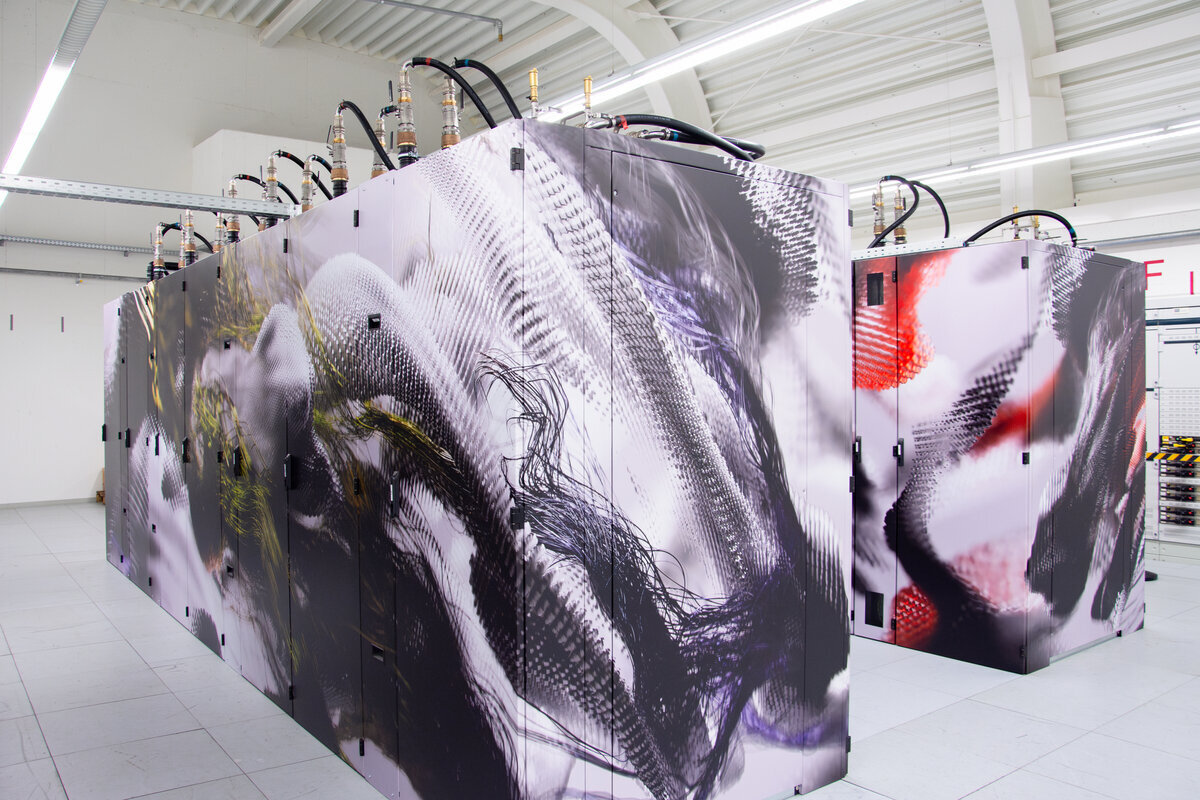
Especially when running our simulation program on a cluster (RWTH CLAIX, see Figure 1) or server, we will not have access to a GUI and must rely on the shell.
The Shell is a command-line interface (CLI) used in Linux/Unix operating systems. It allows users to interact with the system by typing commands, rather than using a graphical interface. It is text-based and provides powerful tools for file management, process control, and automation. Common shells include Bash, zsh, and fish.
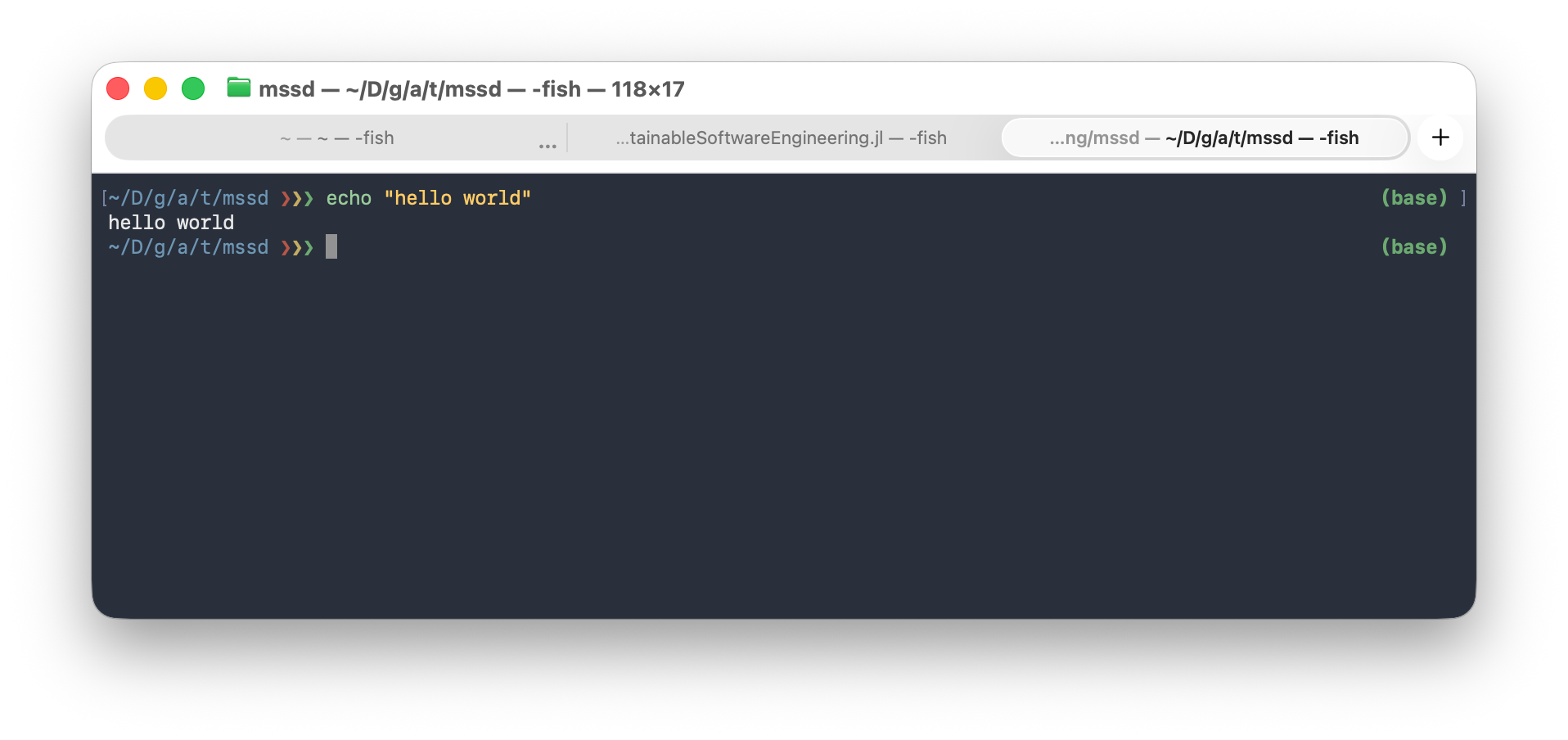
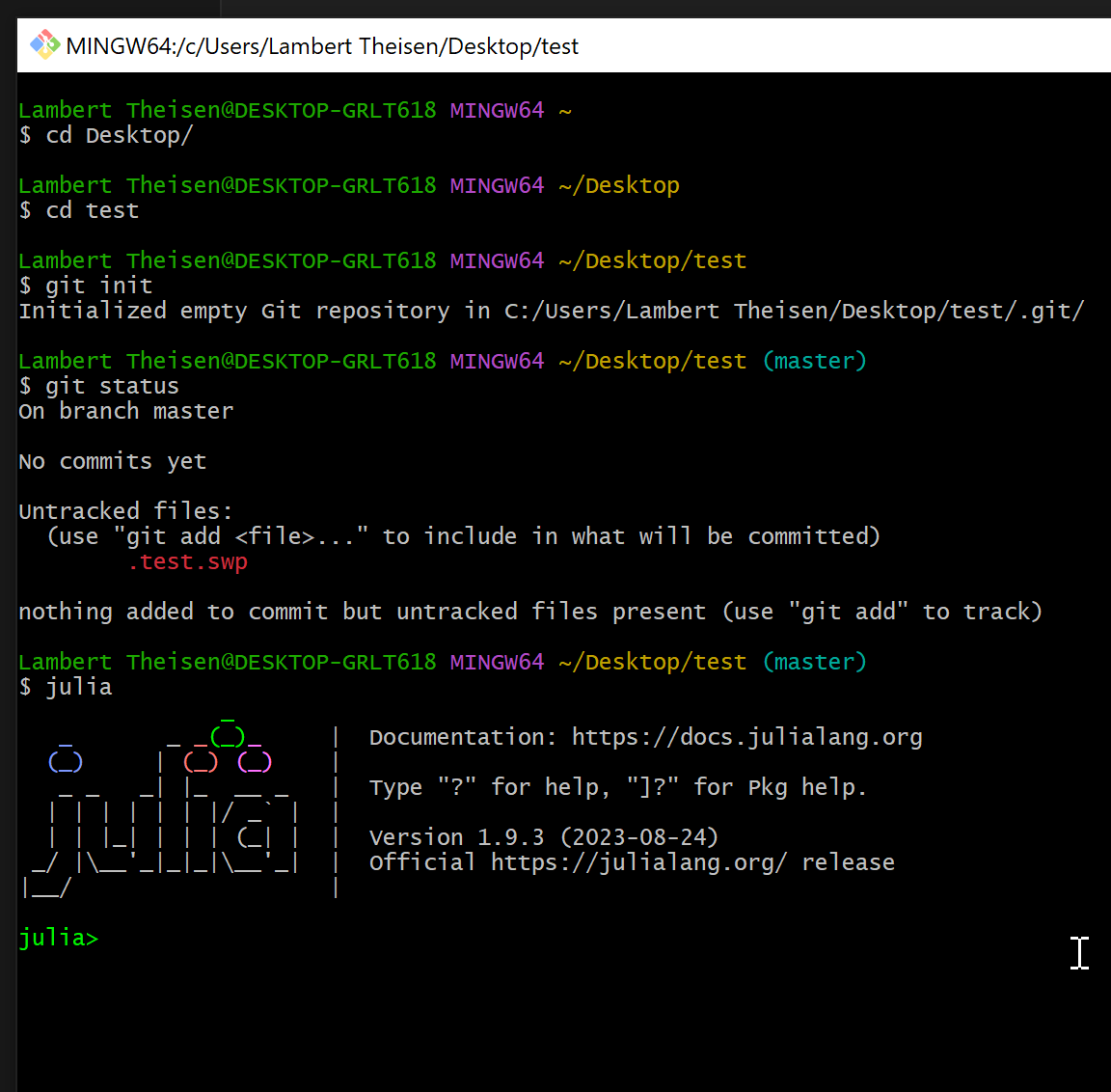
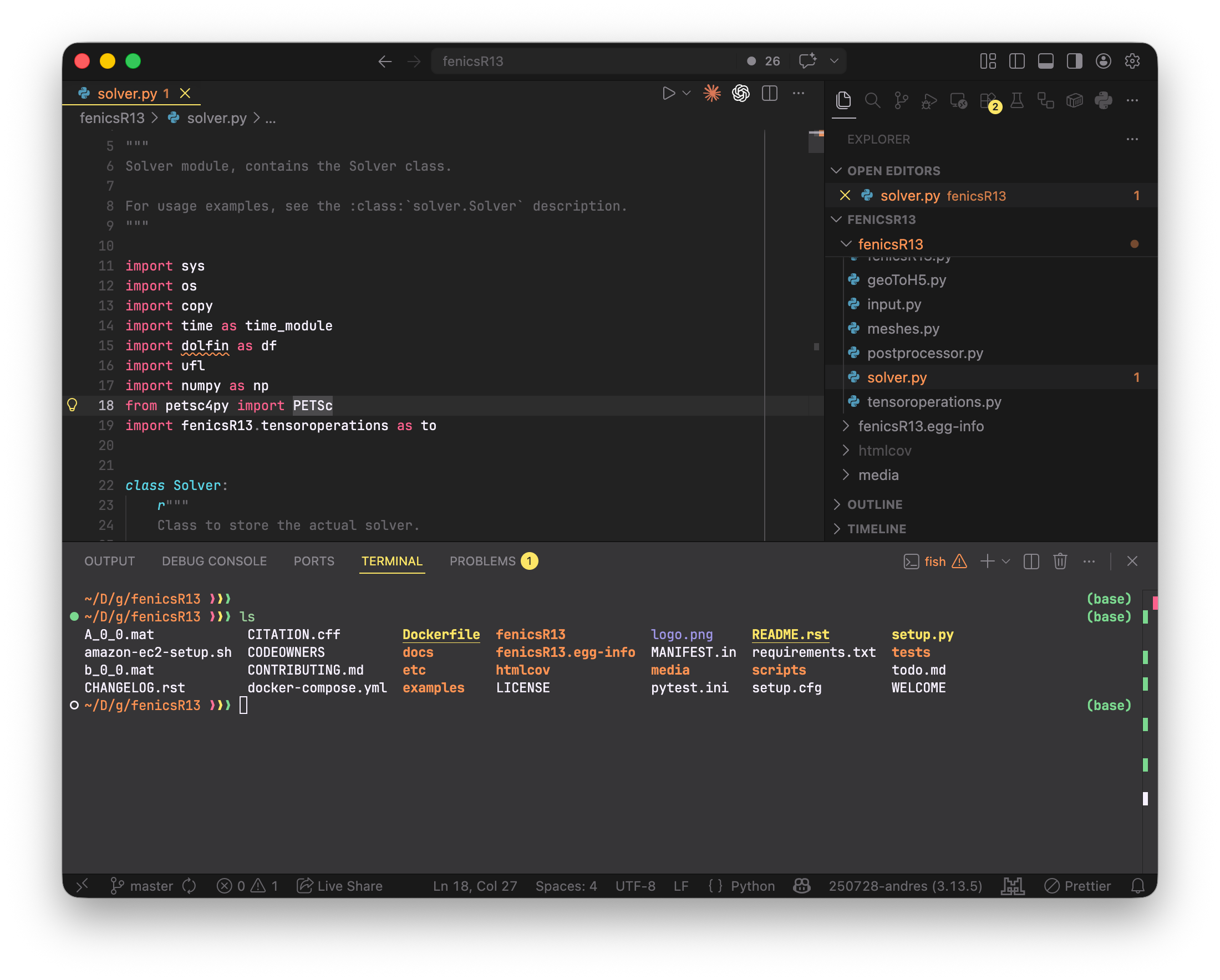
You can excesss the shell through a terminal application on your operating system:
pwd: Print working directory. Shows the current directory you are in.pwd/builds/lambert.theisen/mssd-mirror/skillsls: List files and directories. Shows the contents of the current directory.ls # alias/function forces --color=never01-shell.qmd
01-shell.quarto_ipynb
02-git.qmd
02-git.quarto_ipynb
03-gmsh.ipynb
04-paraview.ipynb
98-openfoam.ipynb
99-todo.qmd
99-todo.quarto_ipynb
length.txt
log.txt
output.csv
postprocess.sh
sleep.pid
solver.sh
test_file.txt
test_output.txt
test_repols -ltotal 2032
-rw-rw-rw-. 1 root root 11892 May 18 16:38 01-shell.qmd
-rw-r--r--. 1 root root 22146 May 18 16:49 01-shell.quarto_ipynb
-rw-rw-rw-. 1 root root 18051 May 18 16:38 02-git.qmd
-rw-r--r--. 1 root root 26098 May 18 16:49 02-git.quarto_ipynb
-rw-rw-rw-. 1 root root 1581904 May 18 16:38 03-gmsh.ipynb
-rw-rw-rw-. 1 root root 319617 May 18 16:38 04-paraview.ipynb
-rw-rw-rw-. 1 root root 44456 May 18 16:38 98-openfoam.ipynb
-rw-rw-rw-. 1 root root 217 May 18 16:38 99-todo.qmd
-rw-r--r--. 1 root root 763 May 18 16:49 99-todo.quarto_ipynb
-rw-r--r--. 1 root root 8 May 18 16:46 length.txt
-rw-r--r--. 1 root root 40 May 18 16:46 log.txt
-rw-r--r--. 1 root root 12 May 18 16:46 output.csv
-rw-r--r--. 1 root root 152 May 18 16:46 postprocess.sh
-rw-r--r--. 1 root root 4 May 18 16:46 sleep.pid
-rwxr-xr-x. 1 root root 113 May 18 16:46 solver.sh
-rw-r--r--. 1 root root 21 May 18 16:46 test_file.txt
-rw-r--r--. 1 root root 38 May 18 16:46 test_output.txt
drwxr-xr-x. 3 root root 34 May 18 16:46 test_repols -a.
..
.gitignore
01-shell.qmd
01-shell.quarto_ipynb
02-git.qmd
02-git.quarto_ipynb
03-gmsh.ipynb
04-paraview.ipynb
98-openfoam.ipynb
99-todo.qmd
99-todo.quarto_ipynb
length.txt
log.txt
output.csv
postprocess.sh
sleep.pid
solver.sh
test_file.txt
test_output.txt
test_repocd: Change directory. Moves you to a different directory.pwd; cd ..; pwd; cd skills; pwd/builds/lambert.theisen/mssd-mirror/skills
/builds/lambert.theisen/mssd-mirror
/builds/lambert.theisen/mssd-mirror/skillsecho: Print text to the terminal. Useful for displaying messages or environment variable values in scripts.echo "Hello, Shell!"Hello, Shell!NAME="Lambert"; echo "hello, my name is $NAME."hello, my name is Lambert.touch: Create an empty file..touch test_file.txtls -l test_file.txt-rw-r--r--. 1 root root 21 May 18 16:52 test_file.txtmkdir: Make directory. Creates a new directory.mkdir -p test_dir/subdirls -l test_dirtotal 0
drwxr-xr-x. 2 root root 6 May 18 16:52 subdirrmdir: Remove directory. Deletes a directory and its contents.mkdir new_dirrmdir new_dircp: Copy files and directories.touch source_file.txtcp source_file.txt copied_file.txtls -l source_file.txt copied_file.txt-rw-r--r--. 1 root root 0 May 18 16:52 copied_file.txt
-rw-r--r--. 1 root root 0 May 18 16:52 source_file.txtmv: Move or rename files and directories.mv copied_file.txt renamed_file.txtls -l renamed_file.txt-rw-r--r--. 1 root root 0 May 18 16:52 renamed_file.txtrm: Remove files and directories. Use flag -r for recursive deletion.ls -l source_file.txt renamed_file.txt-rw-r--r--. 1 root root 0 May 18 16:52 renamed_file.txt
-rw-r--r--. 1 root root 0 May 18 16:52 source_file.txtrm source_file.txt renamed_file.txtls -l source_file.txt renamed_file.txtls: cannot access 'source_file.txt': No such file or directory
ls: cannot access 'renamed_file.txt': No such file or directoryrm -r test_dirls -l test_dirls: cannot access 'test_dir': No such file or directorycat: Concatenate and display file contents. Useful for quickly viewing the contents of a file.echo 'This is a test file.' > test_file.txt # note the > operator to write to the filecat test_file.txtThis is a test file.grep: Search for patterns in files. Useful for finding specific information in log files or code.echo -e 'line1: error\nline2: warning\nline3: info' > log.txtgrep 'error' log.txtline1: errorgrep -n 'warning' log.txt2:line2: warningfind: Search for files and directories. Useful in combination with wildcards (see GNU Bash: Pattern Matching).find . -name '*.txt'./test_file.txt
./log.txt
./test_output.txt
./length.txt
./test_repo/file.txtman: Manual. Displays the manual page for a command, providing detailed information on its usage and options.man echo | col -bx | head -n 10 # col -bx to strip formattingbash: line 2: col: command not found|, >, >>, &&, ||, ;, &: Shell operators for piping, redirection, and command chaining.echo 'Hello, World!' | tr '[:lower:]' '[:upper:]' # pipe output to another command (tr for uppercase conversion)HELLO, WORLD!echo 'This is a test.' > test_output.txt # redirect output to a file (overwrite)echo 'This is another line.' >> test_output.txt # redirect output to a file (append)echo 'First command' && echo 'Second command' # execute second command only if first succeedsFirst command
Second commandfalse || echo 'First command failed, executing second command' # execute second command only if first failsFirst command failed, executing second commandecho 'Command 1'; echo 'Command 2' # execute commands sequentially regardless of successCommand 1
Command 2sleep 0.1 & echo 'This runs in the background while sleep is running' # run command in the backgroundThis runs in the background while sleep is runningdf: Report file system disk space usage.df -h | head -n 5Filesystem Size Used Avail Use% Mounted on
overlay 297G 176G 121G 60% /
tmpfs 64M 0 64M 0% /dev
shm 512M 0 512M 0% /dev/shm
/dev/sdb1 200G 47G 154G 24% /cachetop: Display Linux tasks.top -n 1 | head -n 20top: failed tty getdu: Estimate file space usage.du -sh *12K 01-shell.qmd
24K 01-shell.quarto_ipynb
20K 02-git.qmd
28K 02-git.quarto_ipynb
1.6M 03-gmsh.ipynb
316K 04-paraview.ipynb
44K 98-openfoam.ipynb
4.0K 99-todo.qmd
4.0K 99-todo.quarto_ipynb
4.0K length.txt
4.0K log.txt
4.0K output.csv
4.0K postprocess.sh
4.0K sleep.pid
4.0K solver.sh
4.0K test_file.txt
4.0K test_output.txt
176K test_repohtop: Interactive process viewer (if installed).kill: Terminate processes by PID.sleep 10 & echo $! > sleep.pidcat sleep.pid2643kill $(cat sleep.pid) # terminate the background processbash: line 2: kill: (2643) - No such process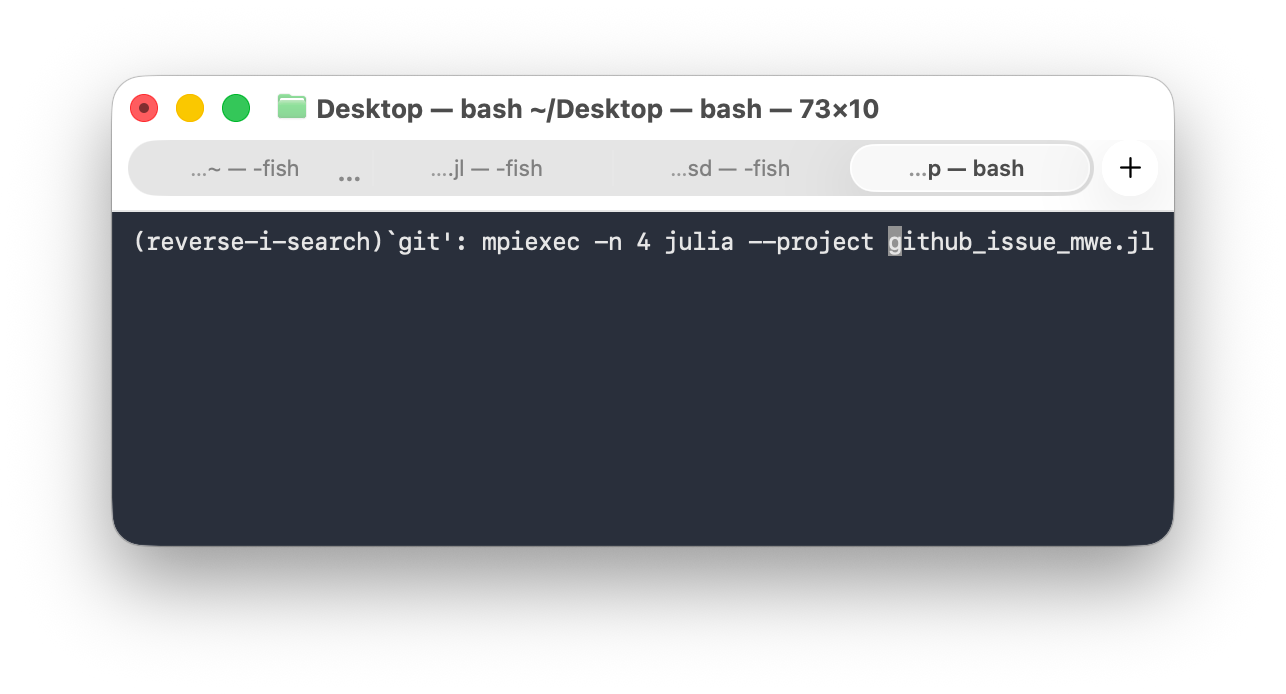
Scrripting and automation are key for reproducibility and efficiency in simulation workflows. You can write shell scripts (.sh files) to automate sequences of commands, set up environments, and run simulations with specific parameters.
An example script:
#!/bin/bash
# This is a simple shell script to run a simulation and post-process results
echo "Running simulation..."
echo "Filename: $1"

# Write some data to filename
echo "x,y,z" > $1
echo "1,2,3" >> $1
echo "Simulation complete. Output written to $1"echo "#!/bin/bash
echo 'Running solver...'
echo 'x,y,z' > output.csv
echo '1,2,3' >> output.csv
echo 'Write output...'" > solver.shls -l solver.sh
chmod +x solver.sh # make script executable
ls -l solver.sh-rwxr-xr-x. 1 root root 113 May 18 16:52 solver.sh
-rwxr-xr-x. 1 root root 113 May 18 16:52 solver.sh./solver.sh # run the script
sh solver.sh # alternative way to run the scriptRunning solver...
Write output...
Running solver...
Write output...cat output.csv # check the outputx,y,z
1,2,3echo "#!/bin/bash
echo 'Calculate length of vector...'
awk -F, 'NR>1 {print sqrt(\$1^2 + \$2^2 + \$3^2)}' output.csv > length.txt
echo 'Write length to file...'" > postprocess.sh
cat postprocess.sh#!/bin/bash
echo 'Calculate length of vector...'
awk -F, 'NR>1 {print sqrt($1^2 + $2^2 + $3^2)}' output.csv > length.txt
echo 'Write length to file...'sh postprocess.sh # run the post-processing script
cat length.txt # check the outputCalculate length of vector...
Write length to file...
3.74166IDEs (e.g., VS Code, Vim, Emacs, Jetbrains, Atom) combine a text editor with additional features like terminal integration, version control, debugging tools, and extensions for specific languages and frameworks.
curl or wget to download our course website and use grep to extract all dates mentioned on the page.More good exercises can be found in the MIT Missing Semester course.